Public Information
An Ongoing Dialogue
Good public relations is about building strong, honest relationships between an organization and the people it serves. It's about listening as much as talking, and helping people understand who we are and what we do.
At ACPS, this means keeping communication flowing both ways between our staff and the wider community. We share information and we listen to feedback. This back-and-forth helps our community understand what ACPS does, why it matters, and what we still need to accomplish.
Our Public Information Officer works to:
- Support ACPS's mission and goals
- Keep communication open and two-way between ACPS and the people we serve
- Build strong relationships with families, staff and community members
- Communicate clearly using Plain Language across multiple formats (status posts, social media, press releases and SchoolMessenger calls, emails or texts)
- Lead outreach and engagement efforts
- Listen to community feedback and pay attention to public concerns
- Share facts, policies and procedures with the public
- Keep messaging consistent across district programs, initiatives and channels
- Serve as the district's spokesperson and main contact for the media
- Manage communication during emergencies or urgent situations
- Serve as a resource for our schools
"Our vision is simple. We want every ACPS family to feel informed, valued and connected to their child's educational journey."
News Releases
-

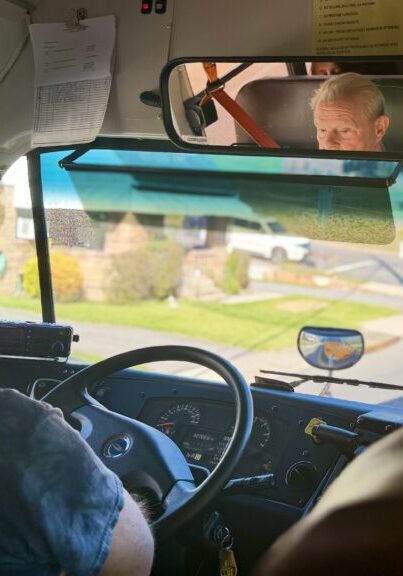
Patience, Kindness and Safety: What I Learned Riding ACPS School Buses
For School Bus Safety Week (Oct. 19-23), we spent a day on two routes with drivers and staff who greet students with jokes, notice who’s having a hard time, and say the job gave their retirement special purpose.
-
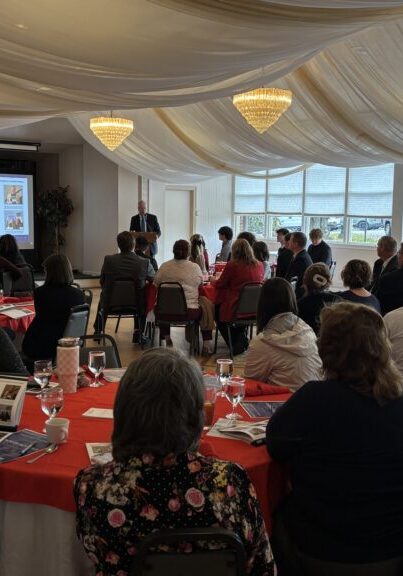
ACPS Presents First State of the Schools Address
FOR IMMEDIATE RELEASEOct. 15, 2026 ACPS Presents First State of the Schools Address CUMBERLAND, Md. — Allegany County Public Schools (ACPS) Superintendent Dr. Michael Martirano delivered the district’s first State…
-
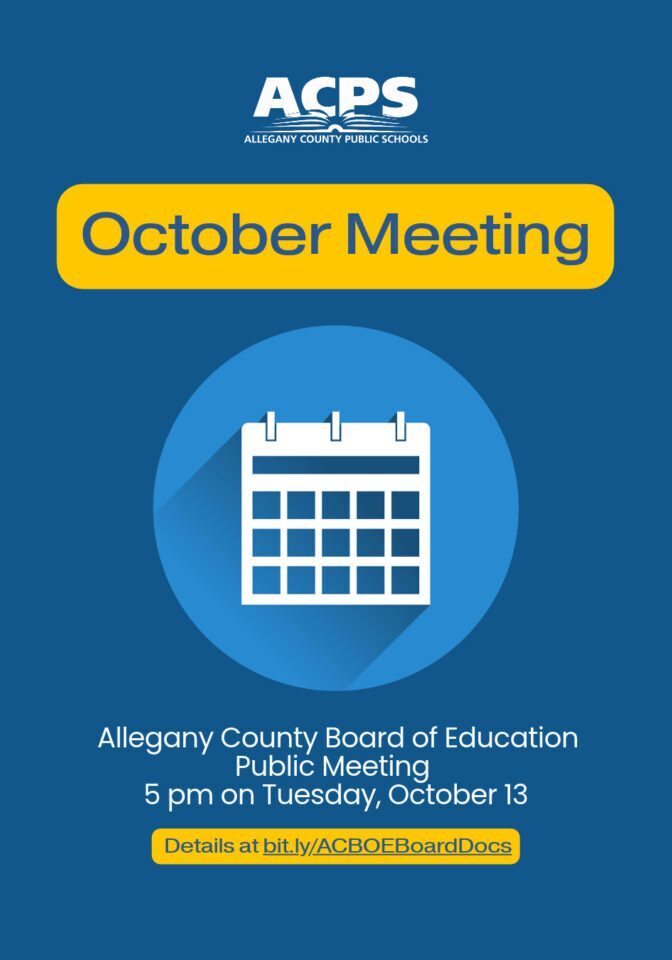
ACPS Board of Education meets on October, 13th
The Allegany County Board of Education will meet on Tuesday, October 13, 2026 in the Washington Board Room at the Board of Education Central Office, 108 Washington St., Cumberland, MD 21502. At that…
-

National Merit Scholarship Program
FOR IMMEDIATE RELEASE COMMENDED STUDENTS IN THE 2027 NATIONAL MERIT SCHOLARSHIP PROGRAM Dr. Kendra Kenney, of Mountain Ridge High School, announced on Friday, September 18, 2026 thatEthan Kwok has been…
-
ACPS Focus on the Future Seeks Employers
FOR IMMEDIATE RELEASE CUMBERLAND, Md. – September 21, 2026 – Allegany County Public Schools (ACPS) is recruiting local employers for its Focus on the Future event in November. Employers will…
-
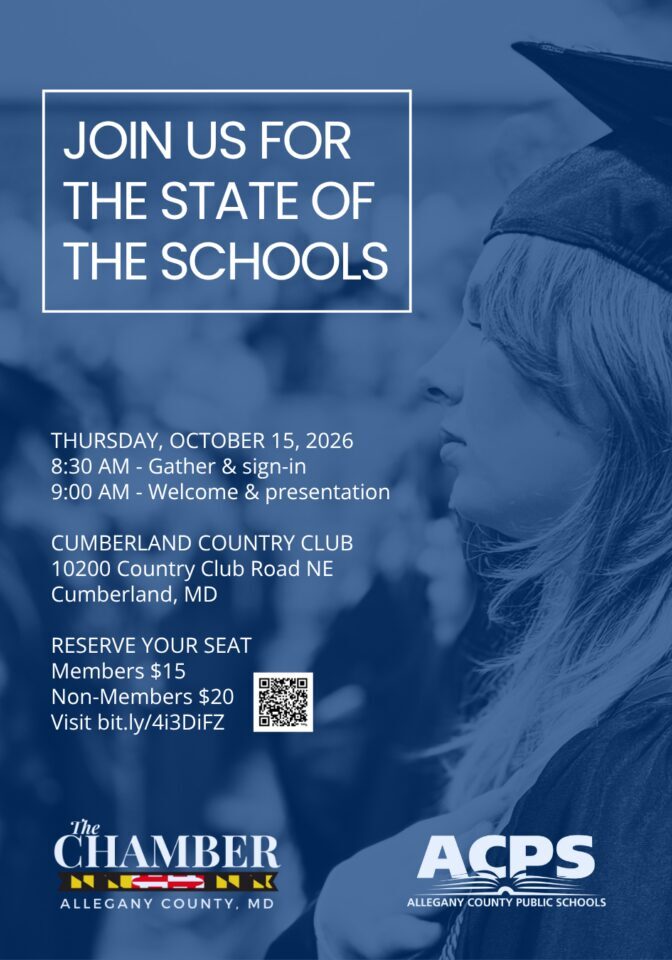
State of the Schools Set for October 15
FOR IMMEDIATE RELEASE CUMBERLAND, Md. – September 17, 2026 – The Allegany County Chamber of Commerce and Allegany County Public Schools (ACPS) will host a State of the Schools presentation…
-
Allegany County Board of Education Meets on September 8
CUMBERLAND, Md. (September 3, 2026) – The Allegany County Board of Education will meet on Tuesday, September 8, in the Washington Board Room at the Board of Education Central Office…
-
Service Learning Stars Honored by Allegany County Public Schools
Four members of the Allegany County Public Schools’ Class of 2026 were selected as the 2025-2026 Service Learning Stars: Chloe Jayde Hill, Ellie Harbert, Jordyn Sneathen and Makinlie Thomas. These individuals showed exceptional commitment to serving others.
-
Allegany County Students Make Notable Gains in MCAP Scores, Show Positive Trends
CUMBERLAND, Md. (July 31, 2026) — Allegany County Public Schools (ACPS) students met, approached or exceeded statewide proficiency levels across English language arts (ELA), math and science, according to the…
-
Board of Education Meeting Planned for Aug. 4
The Allegany County Board of Education will meet on Tuesday, August 4, 2026 in the Washington Board Room at the Board of Education Central Office, 108 Washington St., Cumberland, MD 21502. At…